
“I am a biomedical engineering graduate student and new to 3D modeling and rendering. I made a model in SketchUp for a scientific paper but it felt like it was missing something. I wanted to give it a little more “wow” factor. That’s when I stumbled upon your software package. Using your tutorials I was able to get off the ground quickly and make an amazing rendered image for the paper. Thanks for a great product.”

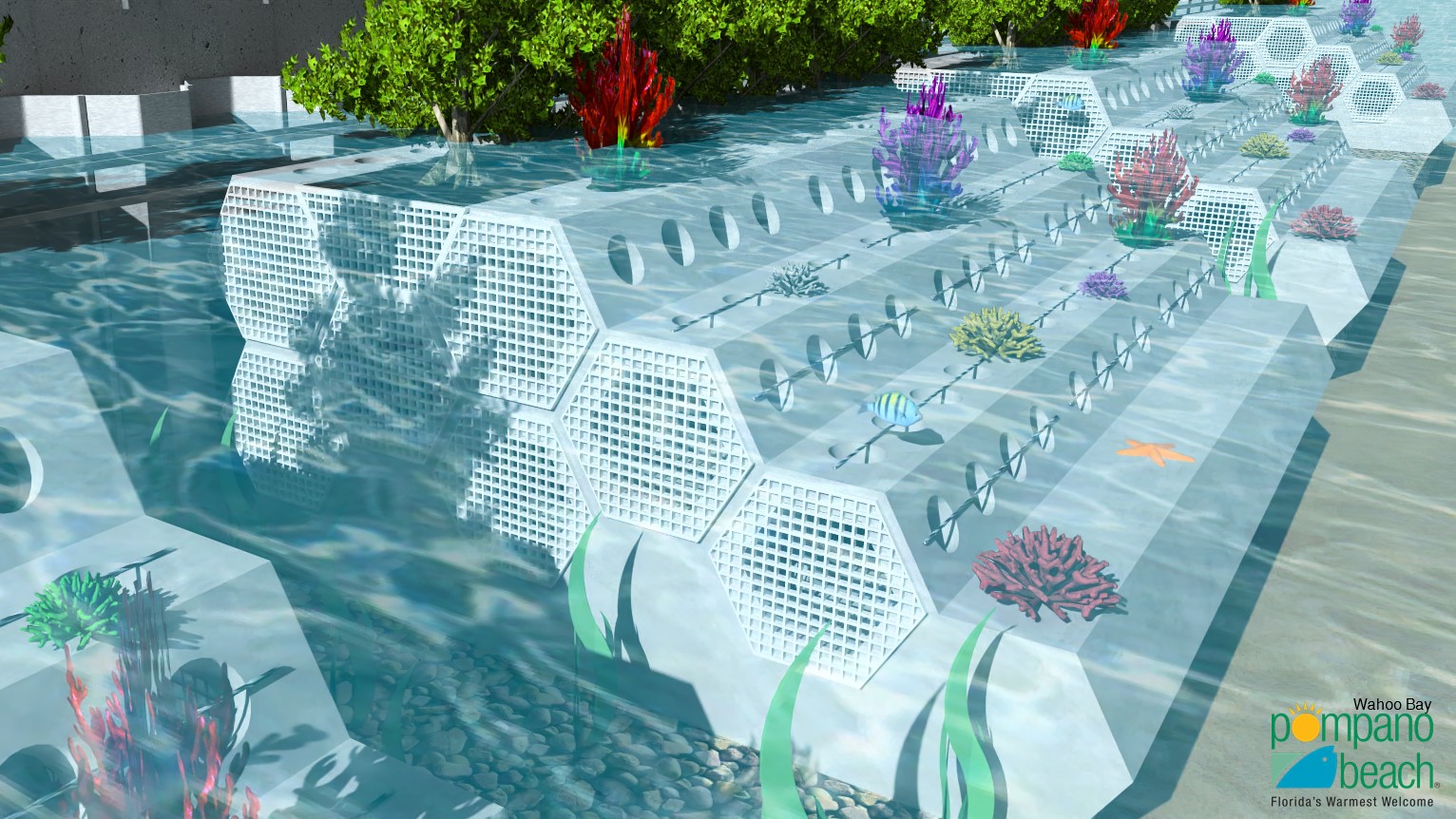
Perfect for architectural visualization, interior design, product rendering, and animated presentations, IRender SU makes it easy to achieve stunning, photorealistic images and animations, no matter your experience level.
- Seamless SketchUp integration
- Fast, high-quality rendering
- Realistic lighting & shadows
- Supports HDRi, reflections & transparency
- Create animations
- Easy for beginners & experts alike
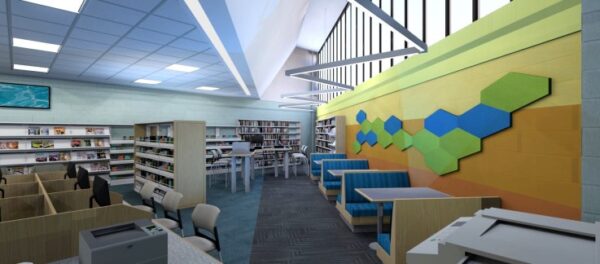
Community Library by Chi Lau
“”
“Thank you so much for giving me some ideas and the forum! I’ll look into it and I really appreciate the response”
“It is good to work with a company which so quickly and positively responds to its customers’ requests.”
“I used SketchUp and IRender nXt to recreate the office set from the 1960s Dick Van Dyke Show. It has been great fun and I absolutely LOVE your product.”
“I love your software and our students create fantastic renderings”
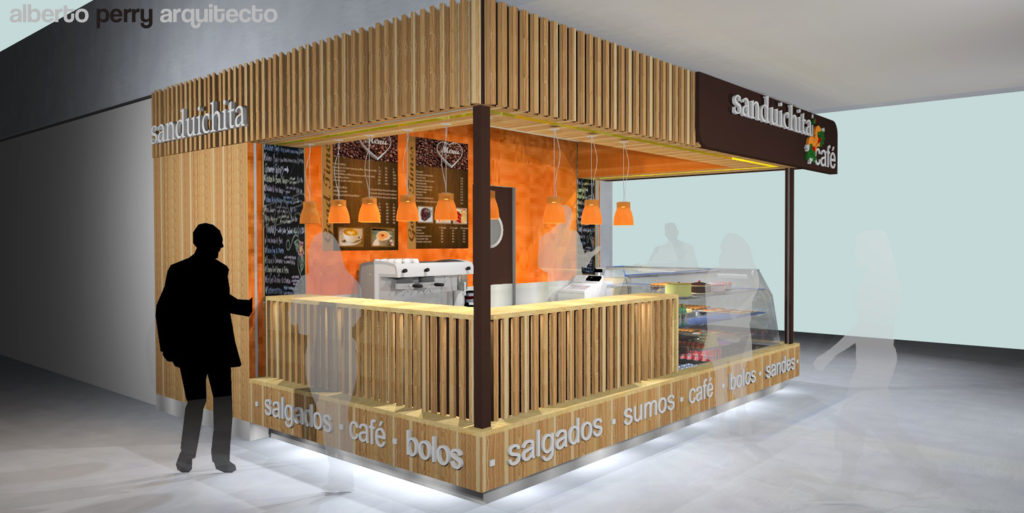
“Magical – if images like this do not sell a scheme nothing will!”
“SpaceDesign saves us a huge amount of time in setting up our products to manufacture and virtually eliminates errors altogether. If it is in your model you can create it and cost and manufacture it!”
“IRender nXt provides me with the ability to provide quality renderings that help me convey my designs and win business.”
“nXtRender (for Revit) is much faster than the Revit rendering engine and I like the results much better.”
“Thank you for your help, this new addition (Grass/Carpet Maker in IRender nXt) is great.”
“I fully expected to consign IRender to the deeper recesses of my ‘C’ drive. What I did not expect, was the level of enthusiasm I have come away with from this first project. I now want to learn all I can about SU and IR. I have produced a reasonable render for my client. Yes there are things I have done which I am not sure how they worked out as they have and will probably not work the same way with my next model.
It has been a long time since I downloaded a piece of software which not only worked out of the box, but filled me with an enthusiasm, which has been missing for a long time.”
“I was thrilled to find this program (IRender nXt) that I found affordable as well as easy to learn how to use.”
“I was impressed with the ease of integrating ArielVision into SketchUp and being able to produce the first rendering quickly.”
“I was thrilled to find this program (IRender nXt) that I found affordable as well as easy to learn how to use.”
“Thank you very much for your help, I really appreciate it and I am impressed with your company service.”
“I bought a license of one year through my professional high school, it works very well.”
“It doesn’t hurt that it’s very affordable!”
“It (IRender nXt) is an amazingly fast tool that produces great images and I highly recommend it.”
“Thank you so much. Real customer service. Amazing.”
“I find it easy to apply what I need to get the level of photorealism I want, and the results are spectacular.”
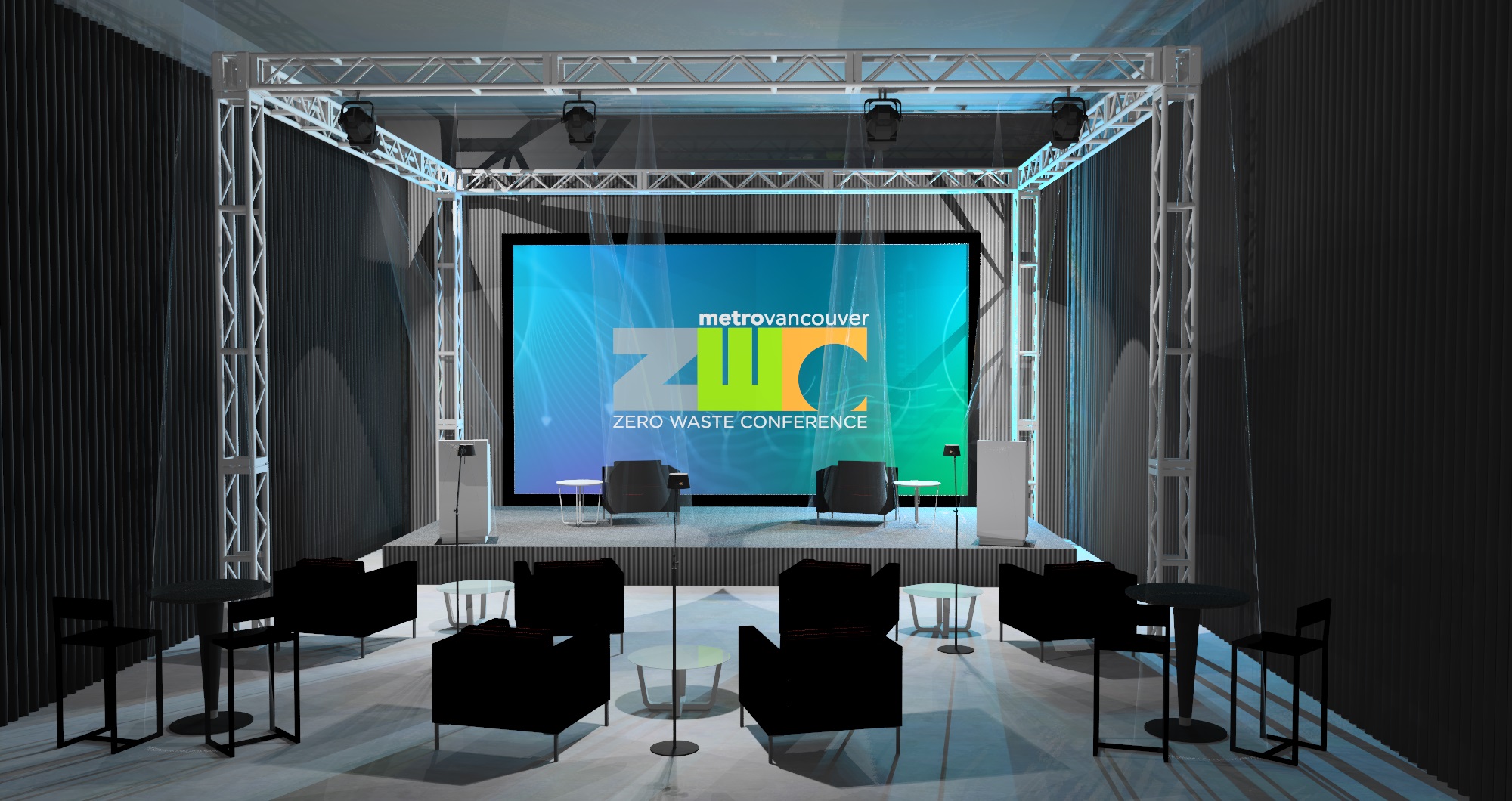
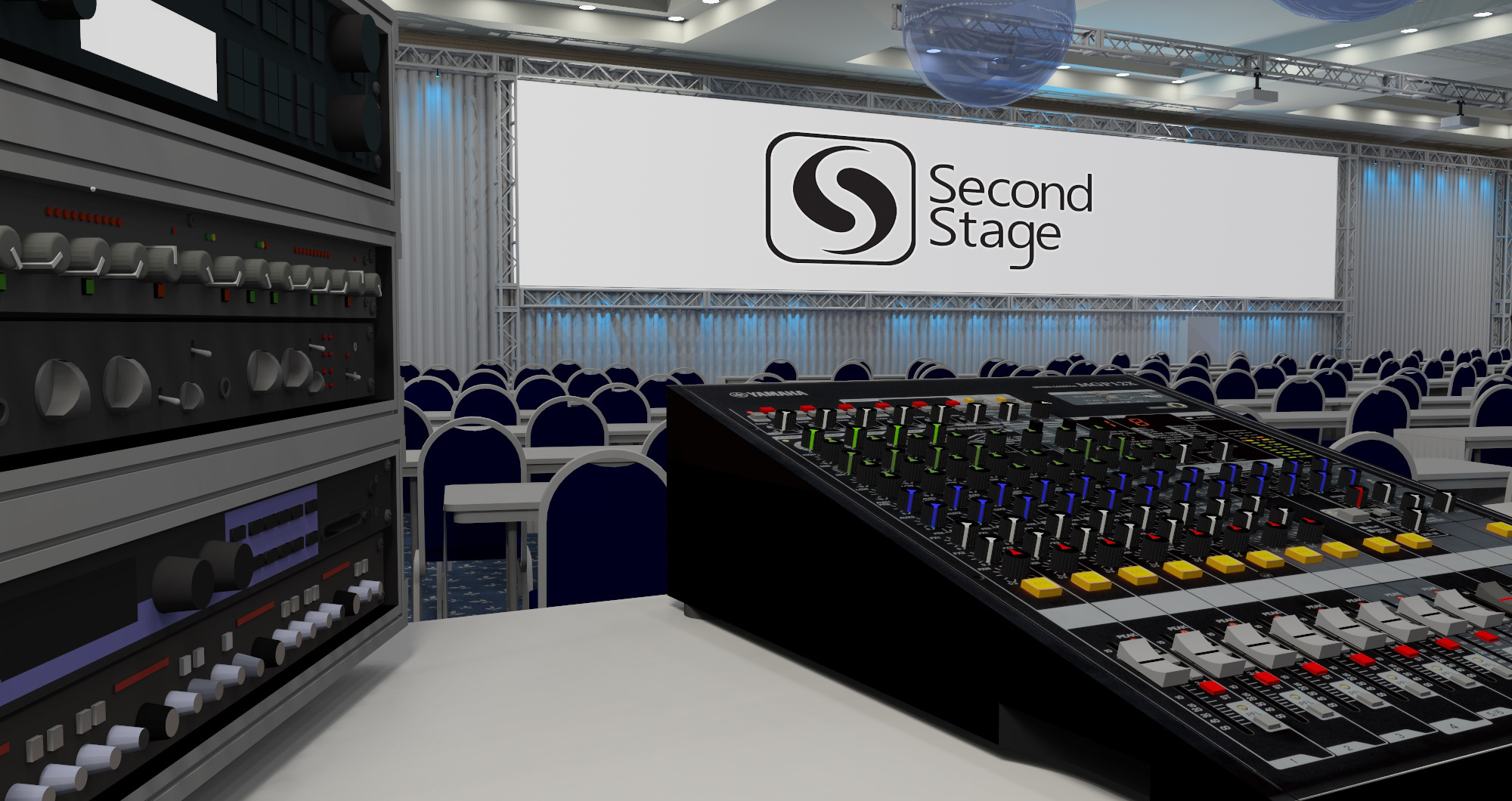
Key Features
Auto Reflection
Quickly create Auto Reflection for materials by using words like metal or plastic in a material name, and leave setting up the material properties for those styles to the software.
1-Click Rendering
Our Green Button 1-click rendering is all that many users need. Handy interior, exterior, HDRi, and studio presets enable you to quickly select an appropriate light setting for your scene.
Image Size and Resolution
Render to whatever resolution you decide, or choose from the presets provided, including options for the most popular social media platforms.
Render Ready Lights
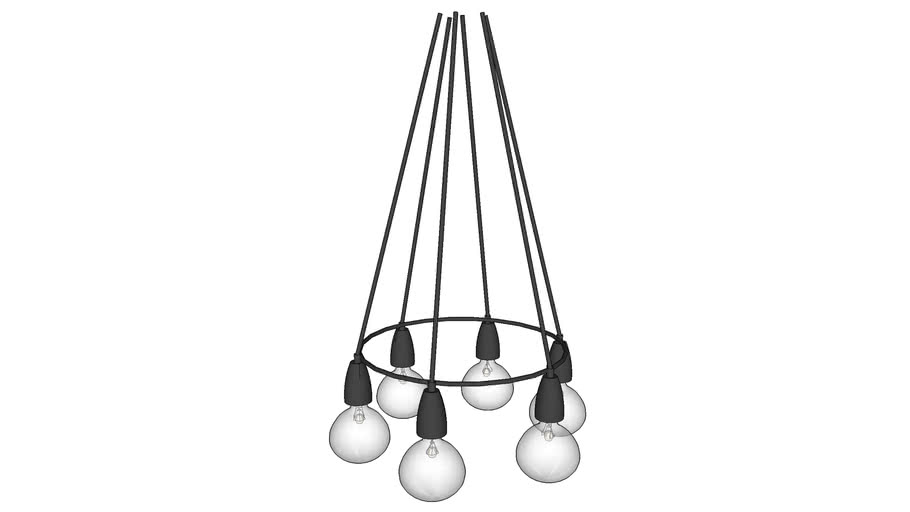
Pick and place from our library of Render Ready lights. Or quickly create and customize your own ceiling, floor, table, point, spot or tube lights.
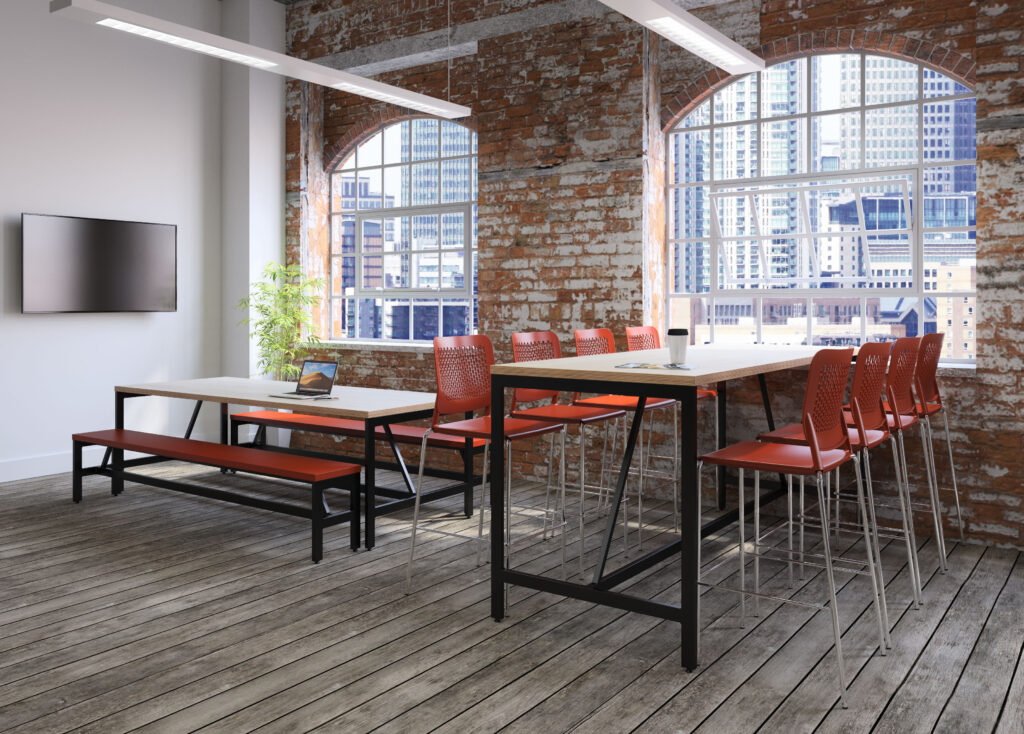
Materials
Material selection, editing, and placement is simple! Or create and name your own materials applying transparency, reflection and or texture as needed.
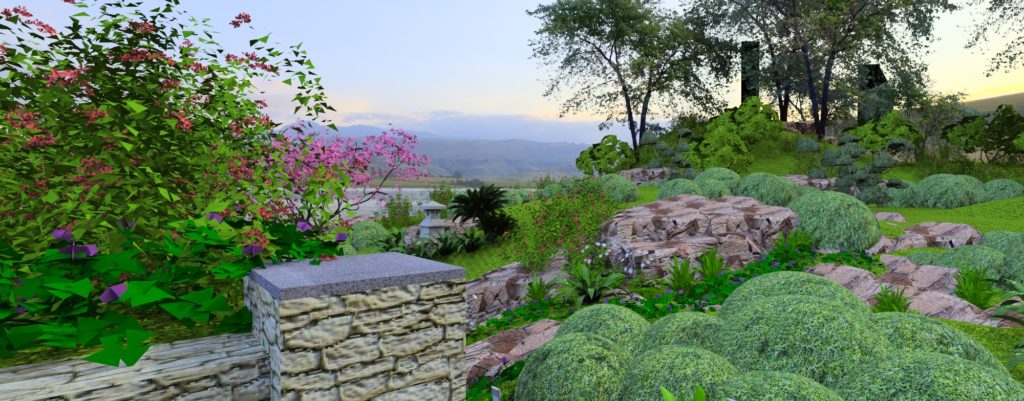
Create 2D/3D Plants
Choose from over 500 plants in our plant library or create your own. Render plants as 2D images or full 3D Fractal plants. Set plants to automatically change appearance to match the seasons making it easy show clients what landscaping will look like throughout the year.
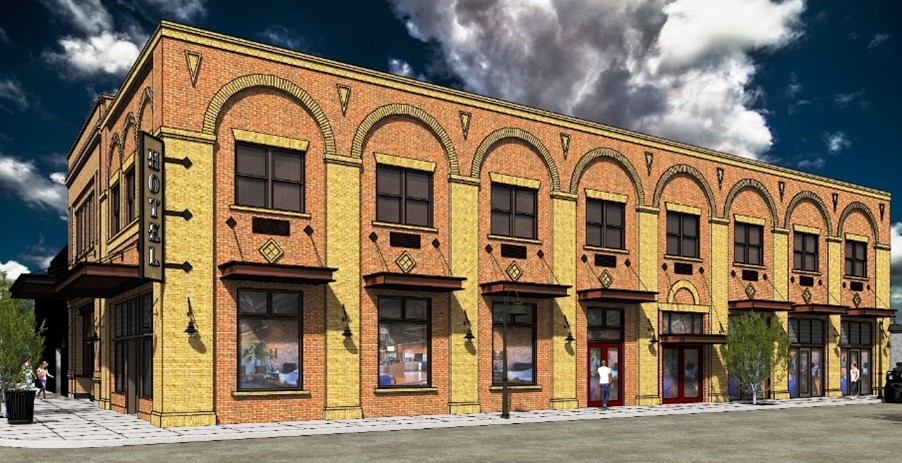
Showcase
All purchases include our world-class tech support!
Detailed Feature List
More details, uses, and features for IRender nXt
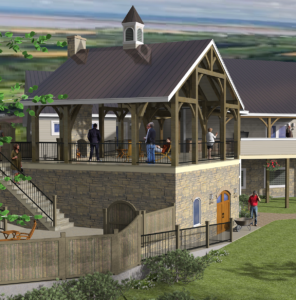
Create your model with SketchUp, then render it with IRender SU. Easy to learn and use, you’ll be up and running in no time. There’s a full range of features that you will discover as you gain experience and want to extend your rendering skill. Some of the key properties in creating great renderings are lighting, shadows, and reflections. We make this easy through one click material presets, drop in lighting, and you can even adjust the lighting without rendering the model again.
- Compatible with all versions of SketchUp
- Simple to add materials library and one-click presets
- Lighting components to just drop in and render
- Multiple lighting channels – even adjust color and brightness after rendering is complete
- Support HDRi images for simple realistic lighting and backgrounds
- Render amazing images and panoramas
- Add or create 2D/3D Plants for realism and fast rendering
- Create animations with a simple setup wizard
Choose from 5,000 standard materials or create your own. The Materials Wizard provides multiple controls for a single material, including transparency, index of refraction for glass materials, and more. Use bump maps to give a material (with or without textures) a different appearance.
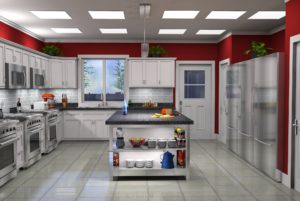 Auto Reflections to SketchUp materials – You can select auto reflections to automatically add reflection settings to SketchUp materials; you can even easily customize
- Material Wizard
- Quick Presets – plastic, mirror, glass, water, etc
- Advanced materials properties if you need them
- Advanced reflections – mirrors, glass, hardwood floors, etc
- Realistic textures with bump maps to create realistic bricks, blocks, roofs, water, and more
- Water materials from smooth to rough and shallow to deep
- Grass and texture wizard
Lighting in 3D rendering makes all of the difference in creating photorealistic renderings. You can use our drag and drop lights, lighting presets, or quickly make your own custom lights.
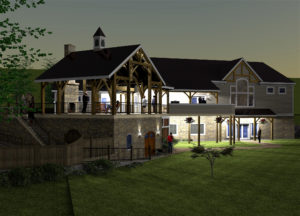 Drag and drop, render ready interior and exterior lights, which are ready for you to adjust brightness, color, and lighting channel
- Our light creation wizards enable you to quickly create your own custom lights
- Lighting rendering presets for studio, interior, exterior and more
- HDRi images provide quick drop in high quality lighting setup and background scenes
- Stop re-rendering for lighting changes! Our rendering software allows you to change lighting color, intensity, and even on or off for quick changes after rendering.
In addition to stunning, high quality rendered stills, IRender SU also provides tools to render panoramas and animations. While your clients will love your renderings, watch their faces when you show them an animated walk-through or panorama.
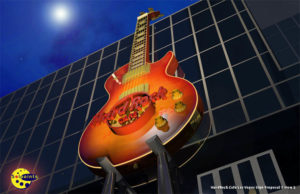
- Animations – Create a high-quality animation of a SketchUp model with IRender SU! Quickly setup your animation by creating the scenes to be included, define frames per second and image size, then render the resulting frames. Once frame rendering is complete you can simply create the movie!
- Panoramas – Create a full 360 degree panoramic image which can be turned into a movie and embedded in a web page. A panoramic image is created by rotating the camera while rendering to create a full 360 x 360 degree image. Panoramas work best with large interiors, or with exteriors which have a central point which lets you view the full model.
The IRender SU Image Editor enables you to easily make changes to an image after rendering is complete without having to re-render or use third party software.
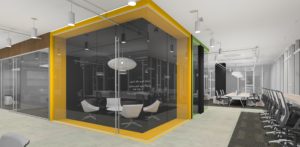 Use the tools available via the Image Editor toolbar:
- Lighting Channels – Adjust the effect of sun, sky or groups of lights.
- Lighting Adjustments – Control image contrast, burn, color saturation and brightness.
- Material Channels – Adjust the color or luminance of pixels rendered.
- Image Filters – Choose from a range of filters to apply a dramatic new look.
- Haze and Fog – Apply haze or fog.
- Depth Blur – Adjust the near or far focus of your image.