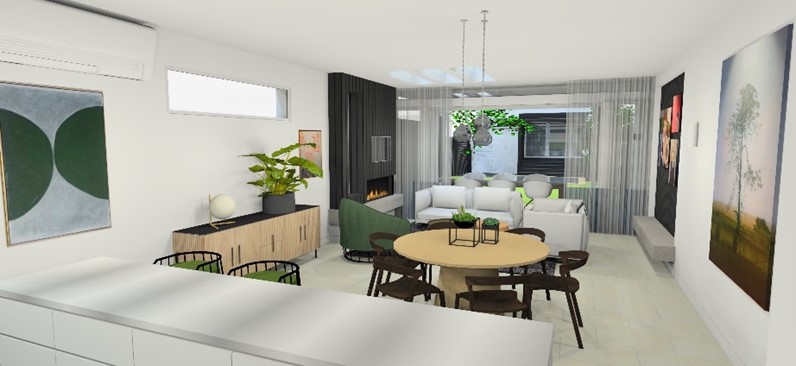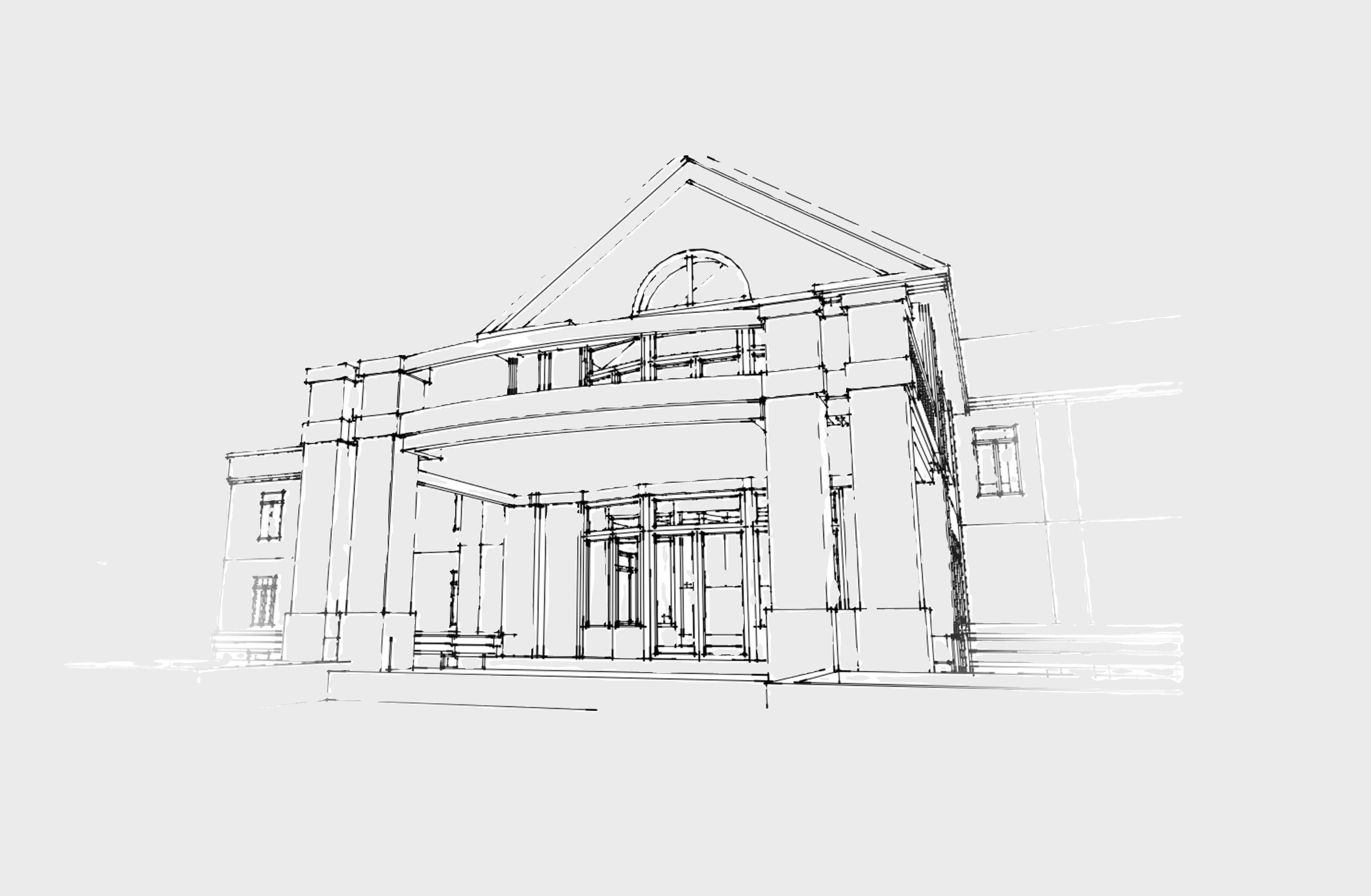
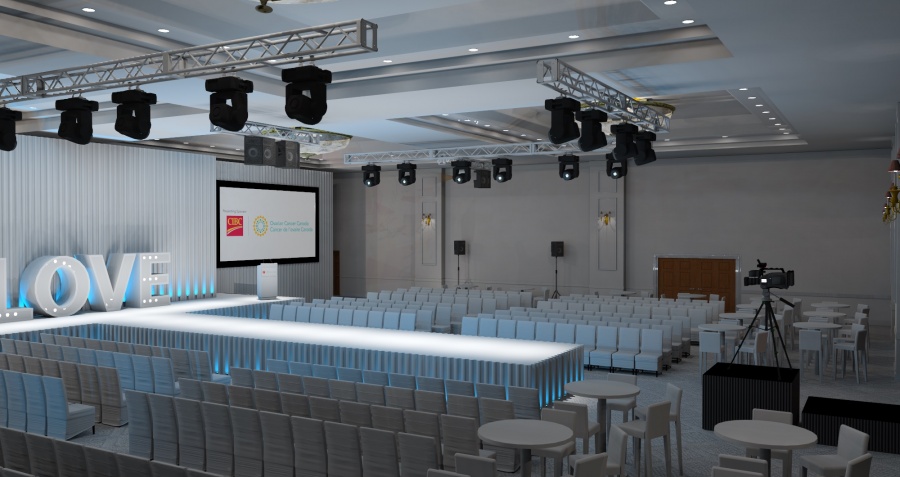
“The IRender Batch Render option came in handy for this, because I was able to render out multiple views overnight, which allowed me to save time and budget on the project.”
“”
“I was impressed with the ease of integrating ArielVision into SketchUp and being able to produce the first rendering quickly.”
“It (IRender nXt Cloud Rendering Service) has definitely added value to our business in terms of the amount of designs we can turnaround simultaneously. It is also great to use when travelling as everything is cloud based.”
“(IRender nXt Cloud Rendering Service) We are now able to run a complete set of new renders before build, once the client has provided us with the final artwork and graphics, which was not always possible to timeframes before having to go to site and receiving final artwork.”
“So here it is. Renders were done in iRender NXT and are as yet basic. …IRender is able to handle this 81MB beast, which is more than can be said of Vray… exporting 2D images from SU itself is rather more of a problem too… I did these renders in the trial version of IRender, which runs out in 6 days, so I’m now considering buying it. It does have good RPC plant options that I’d love to experiment with! … Here’s another render. I love this feature of IRender, it actually does true orthogonal renders.”
“Our clients are always SO happy with the renderings!”
“I just love how your programs keeps on having better updates each month and one of the best customer support on forums.”
“…and love, love, your program (nXtRender for AutoCAD) – am very happy that I have upgraded.”
“Very impressed with the software (IRender nXt), thanks!“
“I love your software and our students create fantastic renderings”
“I used SketchUp and IRender nXt to recreate the office set from the 1960s Dick Van Dyke Show. It has been great fun and I absolutely LOVE your product.”
“I have used both Twilight and IRender nXt. Twilight is not as intuitive. It starts off very easy to use but get more complex when you want to assign materials and lights.”
“What is remarkable with this is how many high-quality images can be produced in such a short timeframe with IRender SU.”
“I love the ability to add reflection qualities to my renderings.”
“Thank you for your help, this new addition (Grass/Carpet Maker in IRender nXt) is great.”
“Your renderer is the best one I’ve ever used for SketchUp. IRender gives enough control over render settings and materials without making it rocket science.”
“When I was asked to find a rendering package for SketchUp, I tried 6 or 8 of them. Decided on IRender nXt because it was the easiest to use and get up to speed with.”
“I fully expected to consign IRender to the deeper recesses of my ‘C’ drive. What I did not expect, was the level of enthusiasm I have come away with from this first project. I now want to learn all I can about SU and IR. I have produced a reasonable render for my client. Yes there are things I have done which I am not sure how they worked out as they have and will probably not work the same way with my next model.
It has been a long time since I downloaded a piece of software which not only worked out of the box, but filled me with an enthusiasm, which has been missing for a long time.”
“We needed a means of extracting and formatting attribute data from our models to import directly into our ERP system. SpaceDesign was excellent for this…” Ken, New Zealand“
“I love the render program (IRender nXt).”
Key Features

SketchUp Integration
RpTools’ functions are easy to learn and use alongside SketchUp’s functions. You’ll be up and running in no time making the most of the additional controls you have at your fingertips.
Material Selection and Placement
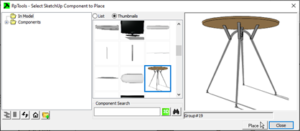
Place Material uses an Explorer type tree to select materials and place them directly on faces without having to open components and groups for edit. The tool “drills” into the model to determine which face, (or component or group), to change to place the material.
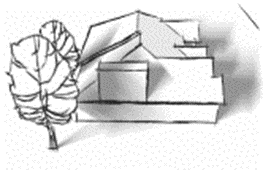
Non-photorealistic Effects
Quickly create non-photorealistic renderings that help your designs standout with your clients. Includes Soft and Sketchy Shadows, Sketchy Textures, Soft Edges, Crayon Colors, Save Model as Image, and Tileable Texture.
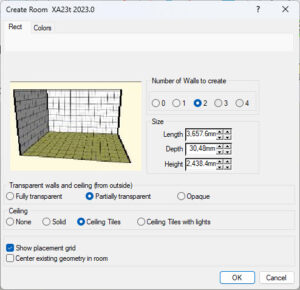
Construction Wizard
Quickly create a room or garage using the simple Wizard template.
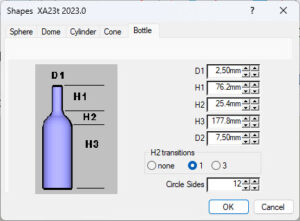
Proxy Components & Other Functions
More tools that extend SketchUp’s capabilities to enhance your creativity and productivity. Includes Alpha Channel, Alpha Images, Polyline, PDF Plot and Shapes Wizard.
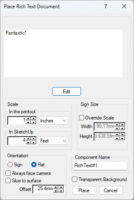
Text Placement
Rich text placement allows you to use text fonts, sizes, colors, and images to create and render 2D text – in plan or elevation – in your SketchUp model.
Showcase