
“ArielVision is a great product”
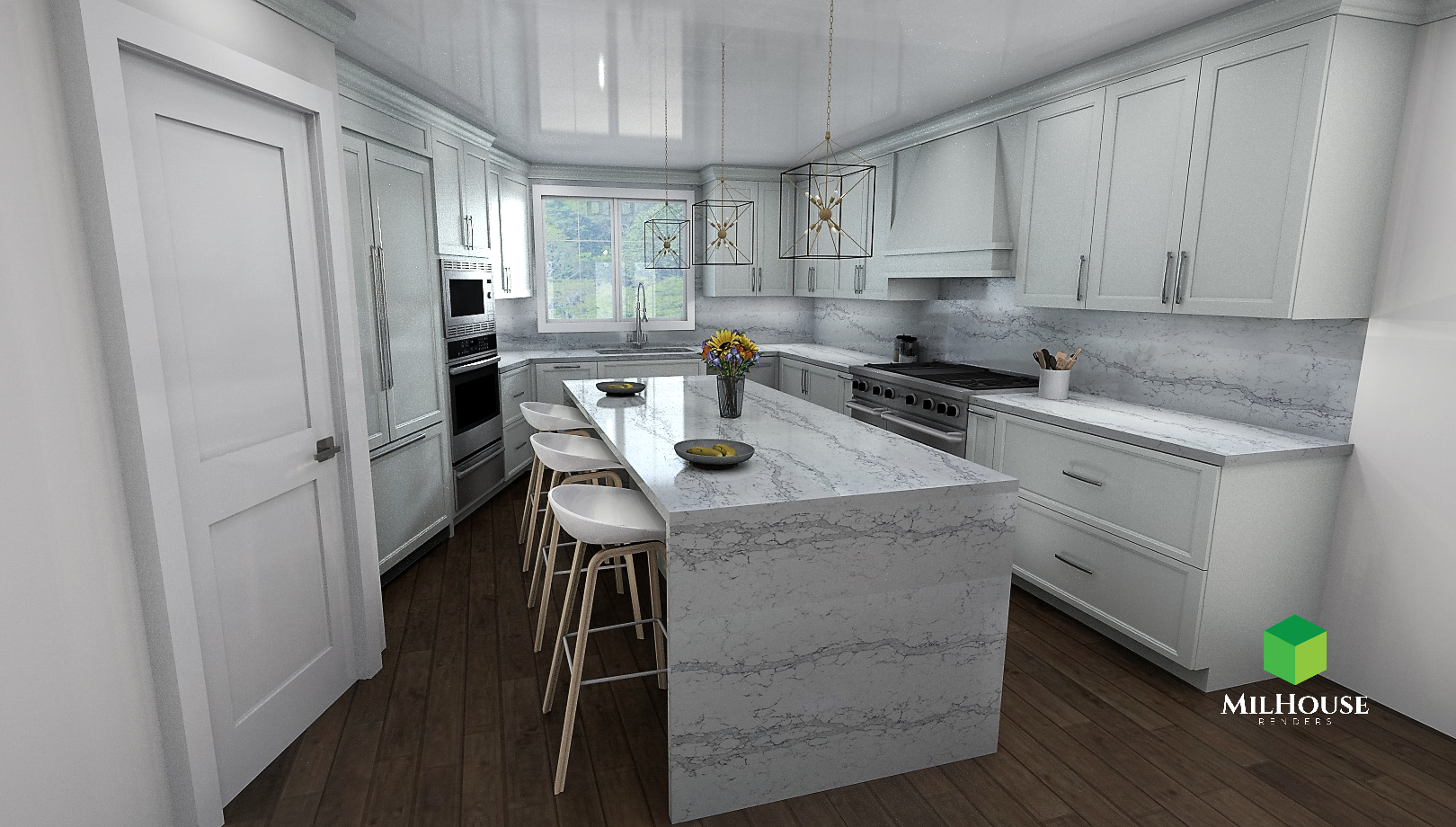
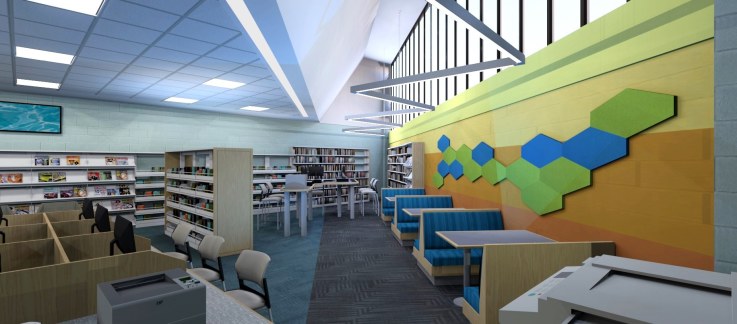
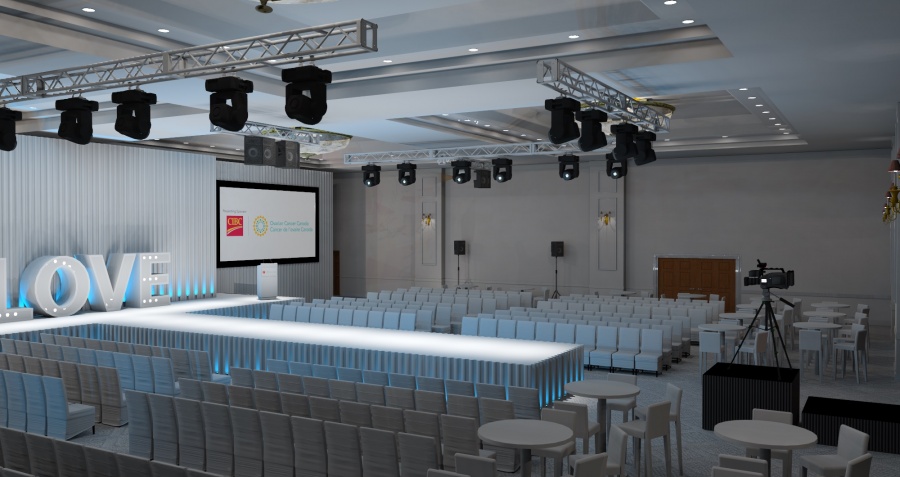
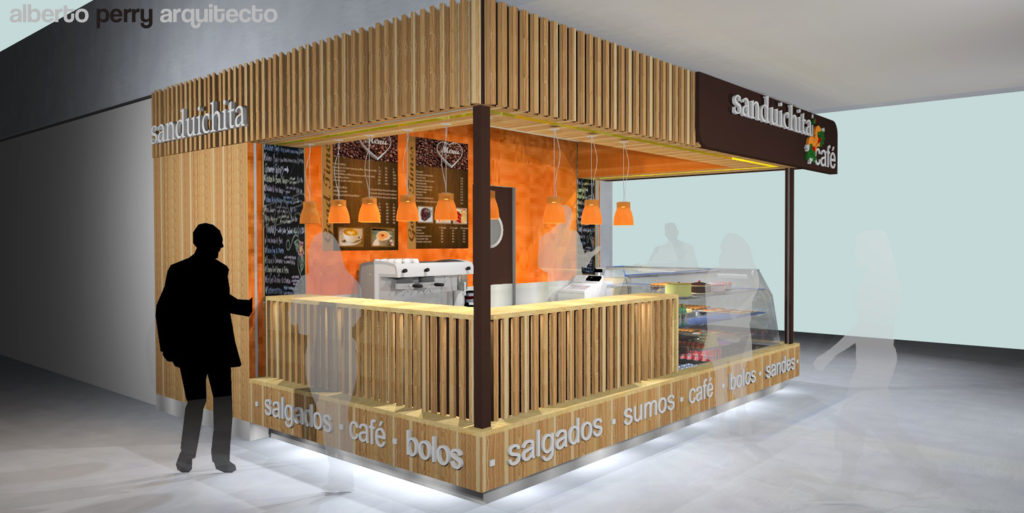
Perfect for architectural visualization, interior design, product rendering, and animated presentations, IRender nXt makes it easy to achieve stunning, photorealistic images and animations, no matter your experience level.
- Seamless SketchUp Integration
- Fast, High-Quality Rendering
- Realistic Lighting & Shadows
- Supports HDRi, Reflections & Transparency
- Create Animations & Walkthroughs
- Easy for Beginners – Advanced for Experts
“”
“.. and am so impressed with the customer support that you have given me. Rest assured that I will be certainly recommending to fellow SU (SketchUp) users to buy your integrated plugin for rendering”
“Once again thanks for your quick response. Your product is starting to really turn heads in our office as we use it more.”
“We needed a means of extracting and formatting attribute data from our models to import directly into our ERP system. SpaceDesign was excellent for this…” Ken, New Zealand“
“So here it is. Renders were done in iRender NXT and are as yet basic. …IRender is able to handle this 81MB beast, which is more than can be said of Vray… exporting 2D images from SU itself is rather more of a problem too… I did these renders in the trial version of IRender, which runs out in 6 days, so I’m now considering buying it. It does have good RPC plant options that I’d love to experiment with! … Here’s another render. I love this feature of IRender, it actually does true orthogonal renders.”
“Our office has appreciated your company support and quite honestly have continued to enjoy the ease of use of your software especially within the AutoCAD Architecture environment / thanks for your continued tech support and providing a simple to use render package to help convey designs to our clients.”
“You have done a perfect program (ArielVision) for SketchUp users … simple, clear, and easy.”
“Thanks for your help – this is a fantastic product (SpaceDesign).”
“I bought a license of one year through my professional high school, it works very well.”
“Thank you for your help, this new addition (Grass/Carpet Maker in IRender nXt) is great.”
“Your program (IRender nXt) is very nice and our customers are always pleasantly surprised.”
“I was thrilled to find this program (IRender nXt) that I found affordable as well as easy to learn how to use.”
“..why didn’t I see this before? Sigh… Just bought the new Vray, which is giving me endless trouble. Because I can t(yet?) render with that, I downloaded the iRender demo. It’s excellent! Beautiful results, absolutely on a par with Vray; far more intuitive interface; and some nice environment options too. It renders a big model that makes Vray crash without a glitch, and pretty fast at that. So much for impulse buying. I’m seriously considering getting this anyway.”
“I’m teaching this stuff and can barely keep up with the students sometimes so my learning curve has to be accelerated sometimes.”
“IRender nXt only took me a few days to fully understand and learn all about lighting before I was producing renderings for our clients here at Hussmann. It’s incredibly powerful and the easiest renderer to learn and use for SketchUp.”
“First response was faster than I had hoped. And you identified and resolved the issue even faster.”
“Over the years I’ve found that Render Plus customer service has always been exceptional”
“It doesn’t hurt that it’s very affordable!”
“IRender nXt is much more intuitive and has the unique benefit of light channels which is what allows me to capture all the different light ambiances in one render job, the other engines do not have this amazing feature. Also, the guys at Render Plus are brilliantly helpful and rapid in response.”
“The ability to use different light sources and types of lighting is perfect.”
Key Features
Auto Reflection
Quickly create Auto Reflection for materials by using words like metal or plastic in a material name, and leave setting up the material properties for those styles to the software.
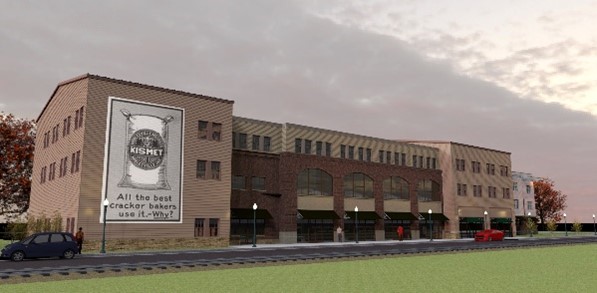
1-Click Rendering
Our Green Button 1-click rendering is all that many users need. Handy interior, exterior, HDRi, and studio presets enable you to quickly select an appropriate light setting for your scene.
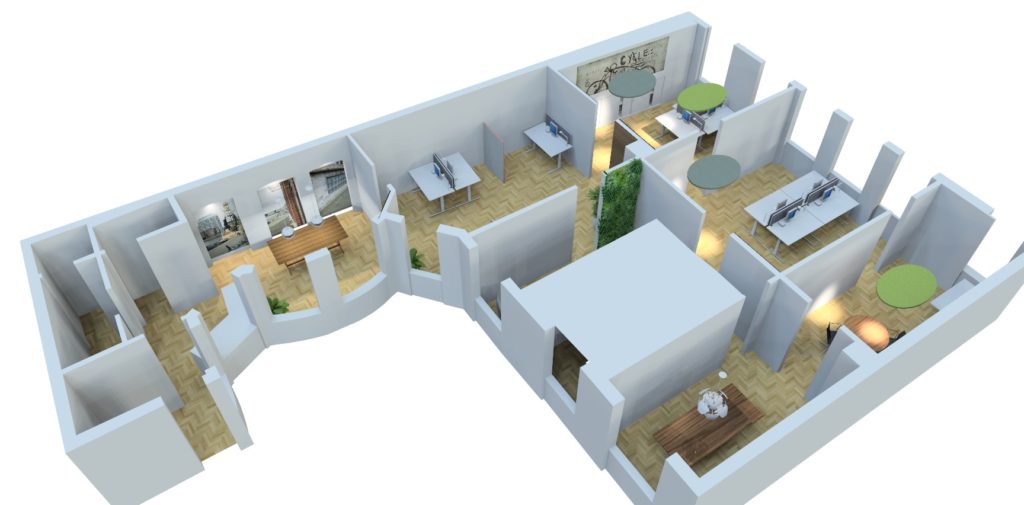
Image Size and Resolution
Render to whatever resolution you decide, or choose from the presets provided, including options for the most popular social media platforms.
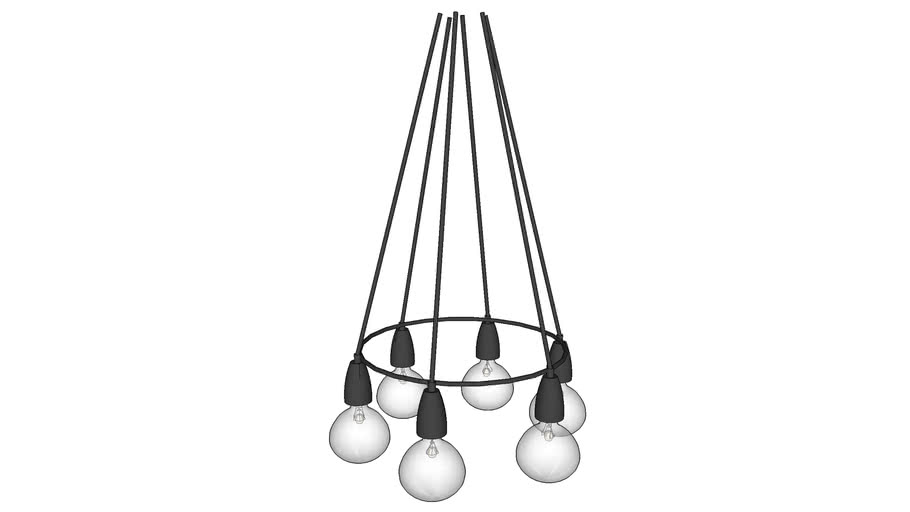
Render Ready Lights
Pick and place from our library of Render Ready lights. Or quickly create and customize your own ceiling, floor, table, point, spot or tube lights.
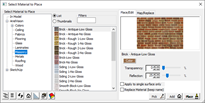
Materials
Material selection, editing, and placement is simple! Or create and name your own materials applying transparency, reflection and or texture as needed.
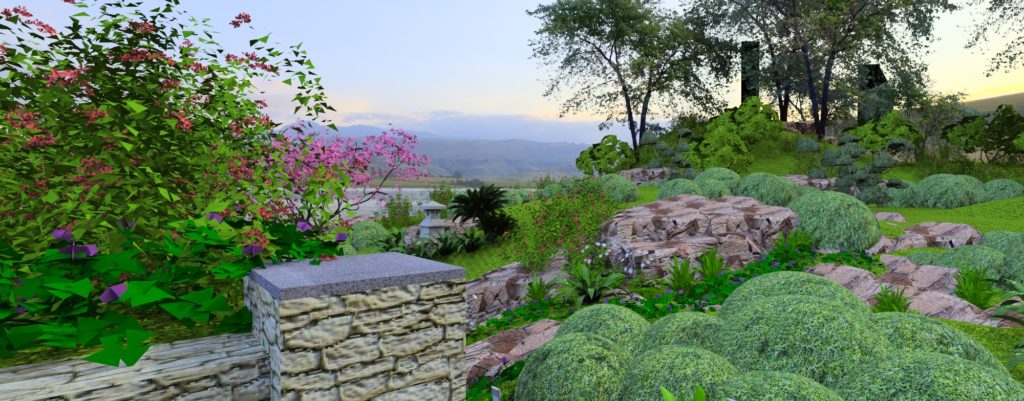
Create 2D/3D Plants
Choose from over 500 plants in our plant library or create your own. Render plants as 2D images or full 3D Fractal plants. Set plants to automatically change appearance to match the seasons making it easy show clients what landscaping will look like throughout the year.
Showcase
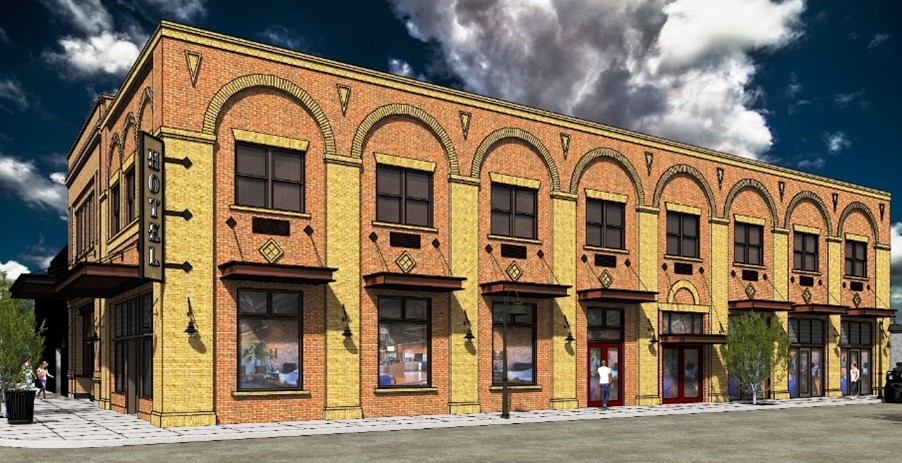
All purchases include our world-class tech support!
Detailed Feature List
More details, uses, and features for IRender nXt
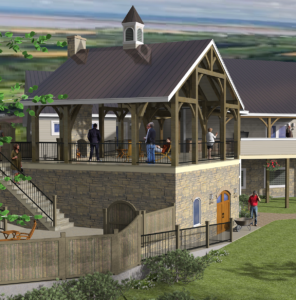
Create your model with SketchUp, then render it with IRender nXt. Easy to learn and use, you’ll be up and running in no time. There’s a full range of features that you will discover as you gain experience and want to extend your rendering skill. Some of the key properties in creating great renderings is lighting, shadows, and reflections. We make this easy through one click material presets, drop in lighting, and you can even adjust the lighting without rendering the model again.
- Compatible with all versions of SketchUp
- Simple to add materials library and one-click presets
- Lighting components to just drop in and render
- Multiple lighting channels – even adjust color and brightness after rendering is complete
- Support HDR images for simple realistic lighting and backgrounds
- Render amazing images and panoramas
- Add or create 2D/3D Plants for realism and fast rendering
- Create animations with a simple setup wizard
Choose from 5,000 standard materials or create your own. The Materials Wizard provides multiple controls for a single material, including transparency, index of refraction for glass materials, and more. Use bump maps to give a material (with or without textures) a different appearance.
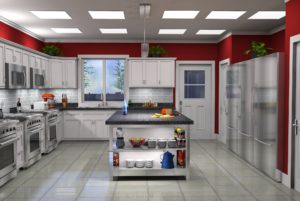 Auto Reflections to SketchUp materials – You can select auto reflections to automatically add reflection settings to SketchUp materials; you can even easily customize
- Material Wizard
- Quick Presets – plastic, mirror, glass, water, etc
- Advanced materials properties if you need them
- Advanced reflections – mirrors, glass, hardwood floors, etc
- Realistic textures with bump maps to create realistic bricks, blocks, roofs, water, and more
- Water materials from smooth to rough and shallow to deep
- Grass and texture wizard
Lighting in 3D rendering can make all of the difference in creating realist renderings. This is why we focus a realist lighting anyone can create. You can use our drag and drop lights, lighting presets, or quickly make your own custom lights.
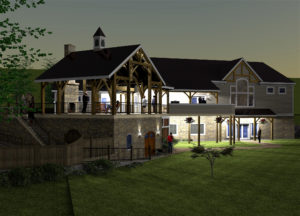 Drag and drop, render ready interior and exterior lights, which are ready for you to set brightness, color, and lighting channel
- Ceiling light to lamps light wizard to walk you through light creation
- Lighting rendering presets for studio, interior, exterior and more
- HDR images provide quick drop in high quality lighting setup and background scenes
- Stop re-rendering for lighting changes! Our rendering software allows you to change lighting color, intensity, and even on or off for quick changes after rendering.
In addition to stunning, high quality rendered stills, IRender nXt also provides tools to render panoramas and animations. While your clients will love your renderings, watch their faces when you show them an animated walk-through or panorama.

- Animations – Create a high-quality animation of a SketchUp model with IRender nXt! Quickly setup your animation by creating the scenes to be included, define frames per second and image size, then render the resulting frames. Once frame rendering is complete you can simply create the movie!
- Panoramas – Create a full 360 degree panoramic image which can be turned into a movie and embedded in a web page. A panoramic image is created by rotating the camera while rendering to create a full 360 x 360 degree image. Panoramas work best with large interiors, or with exteriors which have a central point which lets you view the full model.
The IRender nXt Image Editor enables you to easily make changes to an image after rendering is complete without having to re-render or use third party software.
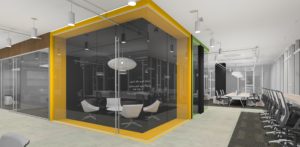 Use the tools available via the Image Editor toolbar:
- Lighting Channels – Adjust the effect of sun, sky or groups of lights.
- Lighting Adjustments – Control image contrast, burn, color saturation and brightness.
- Material Channels – Adjust the color or luminance of pixels rendered.
- Image Filters – Choose from a range of filters to apply a dramatic new look.
- Haze and Fog – Apply Real Time Haze or fog.
- Depth Blur – Adjust the near or far focus of your image.